
KogniFeed
SurveyMonkey vs Google Forms (2026): Free vs Paid — Honest Winner Guide
SurveyMonkey vs Google Forms compared: pricing, logic, limits, and who wins. Plus when neither is enough — and KogniFeed AI interviews beat both for the “why” (free tier).
| Capability | KogniFeed |
|---|---|
| Fully AI-run interviews | Yes |
| Blueprint + editable metrics | Yes |
| CRM + website embed + API | Yes |
| Voice conversations | Yes |
| Free tier | 10 sessions / month |
SurveyMonkey vs Google Forms — who wins?
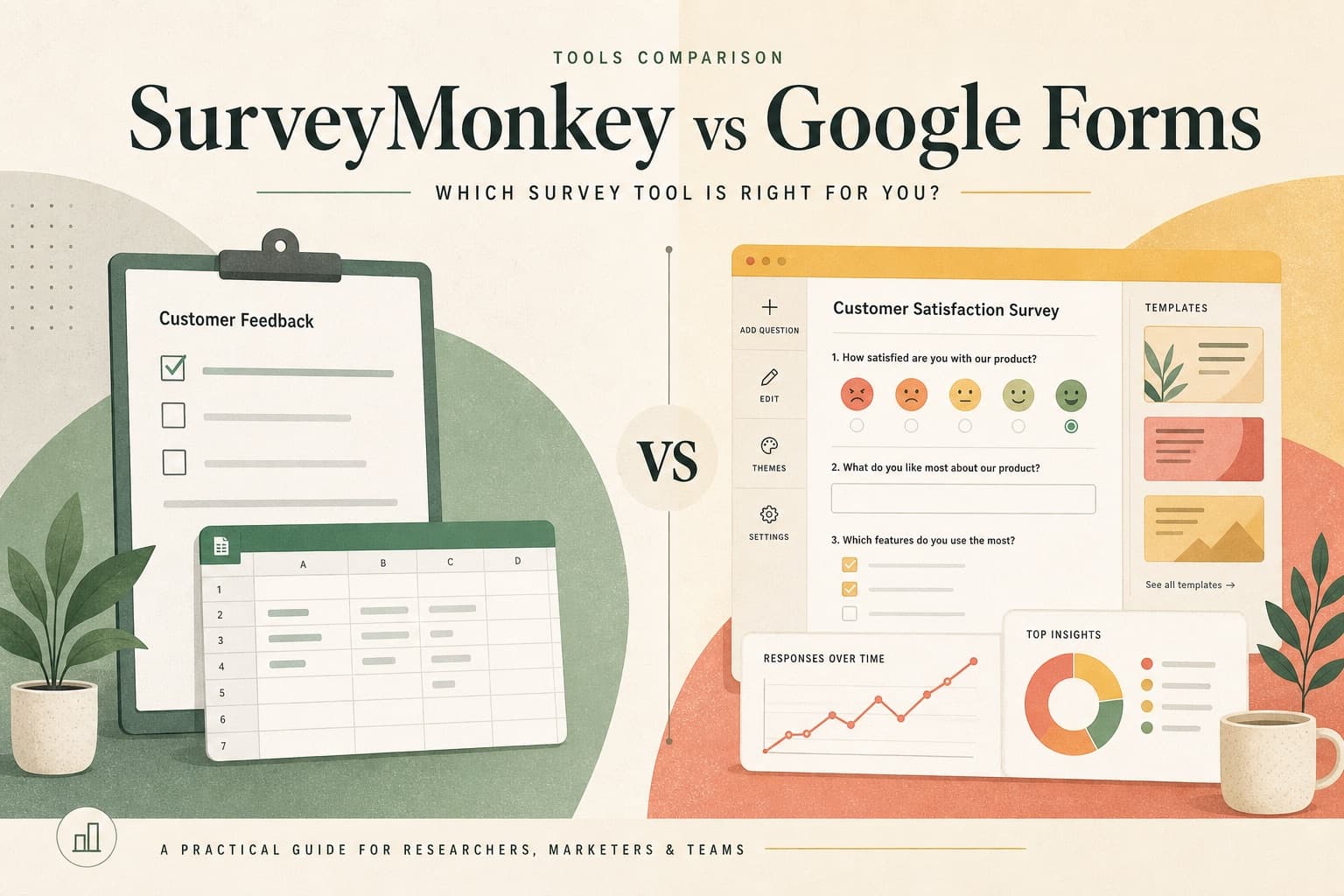
Google Forms wins on price and simplicity. SurveyMonkey wins on templates, logic, branding, and paid research features. Neither wins on qualitative depth: both ask fixed questions and hope open text is useful. If you searched SurveyMonkey vs Google Forms to pick a form tool, use the matrix below. If you searched because forms keep failing to explain churn or CSAT, skip the upgrade path and try an AI-moderated interview.
Side-by-side comparison (2026)
- Price — Google Forms: free. SurveyMonkey: free tier limited; paid plans for logic, branding, and volume.
- Ease — Google Forms: fastest for Workspace teams. SurveyMonkey: richer builder, more to learn.
- Logic & templates — SurveyMonkey clearly ahead for external programs.
- Branding — SurveyMonkey; Google Forms stays Google-looking on free.
- Panels / audiences — SurveyMonkey paid options; Google Forms has none native.
- Adaptive follow-ups — neither. Both are static forms.
- Best for “why” research — neither; use KogniFeed Insight interviews.
Google Forms wins when…
- You need zero cost and already live in Google Workspace
- Internal polls, RSVP, quizzes, or simple one-off data collection
- Question order is fixed and open text is optional
SurveyMonkey wins when…
- Templates, skip logic, and branding matter for customer-facing surveys
- You want built-in charts without living in spreadsheets
- Paid features like advanced logic, A/B tests, or audience panels are in scope
When you need neither
If the research question is why customers churned, why checkout failed, or what confused new users — upgrading from Google Forms to SurveyMonkey still leaves you with static prompts and empty text boxes. KogniFeed’s Insight agent runs conversational surveys: one clear question per turn, probes shallow answers, captures blueprint fields during chat, and produces analyst notes and themes. Distribute via links, CRM invites, website embed, or API — without climbing SurveyMonkey tiers just to understand “why.”
KogniFeed vs free and paid static forms
- 10 free Insight sessions per month — compare open-text quality against your current form
- Classic surveys inside KogniFeed when a Google Forms-style fixed flow is enough
- Analysis hub — KPIs, transcripts, notes, compare by CRM cohort or date range
- No per-response panel markup — interview customers you already own
Decision checklist
- Only need a free internal poll → Google Forms
- Need branded surveys + logic on a budget → SurveyMonkey
- Need explained drivers, churn themes, or website friction stories → KogniFeed
- Need both scores and stories → keep a form tool for trackers; add KogniFeed for interviews
FAQ
Is SurveyMonkey better than Google Forms?
For external surveys that need branding, templates, and logic — yes. For free internal polls — Google Forms is better. Neither replaces AI-moderated interviews when you need qualitative depth.
Is Google Forms free forever?
Google Forms remains free for standard use with a Google account. Features and limits can change with Workspace plans; it is still the default zero-cost survey tool.
Can KogniFeed replace SurveyMonkey or Google Forms?
For customer research and explained feedback, yes. For free internal polls or basic RSVP forms, Google Forms may still suffice. KogniFeed classic surveys cover simple fixed questionnaires in the same admin as Insight studies.
Does SurveyMonkey have AI like KogniFeed?
SurveyMonkey offers AI helpers to build surveys and summarize responses. That is different from an Insight agent that moderates each participant live with adaptive follow-ups and editable research analysis.